Log the lesson
Choose a student, date and duration. Their rate determines the amount due.
LessonFlow gives private instructors a clear record of lessons, balances and payments—and gives students and parents a personal page to follow along.
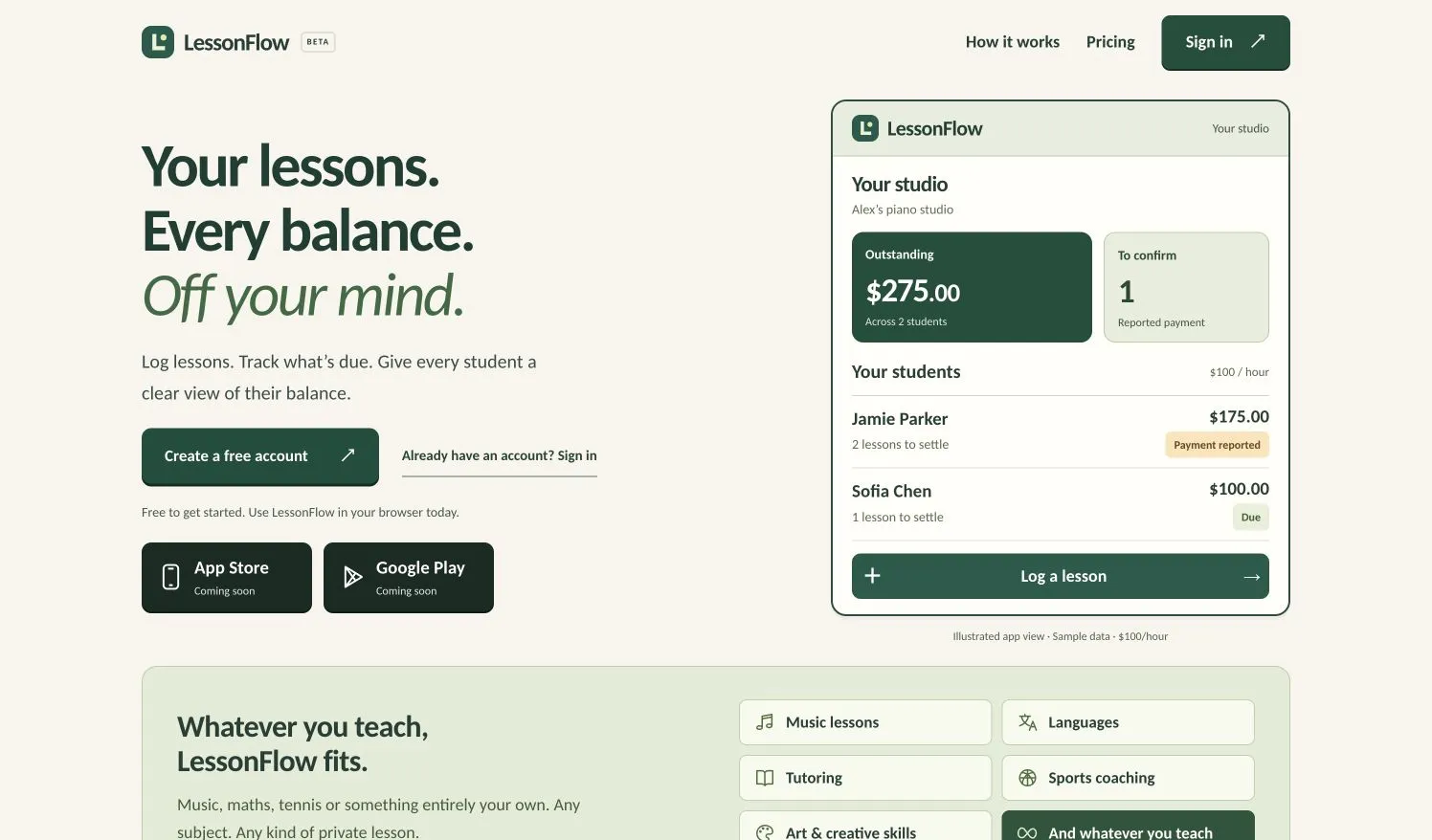
Private instructors teach, keep track of time, answer parents and remember which payments have arrived. When the record lives across messages, notes and memory, a simple question—“What do I owe?”—takes work to answer.
We built LessonFlow around that everyday loop, for tutors, music teachers, sports coaches and other private instructors.
Outstanding balances and payments awaiting confirmation sit alongside the student list. Lesson entry and student actions are available through taps and swipe gestures.
The application works in a mobile browser today. The web beta is free, with no limit on the number of students or lessons.
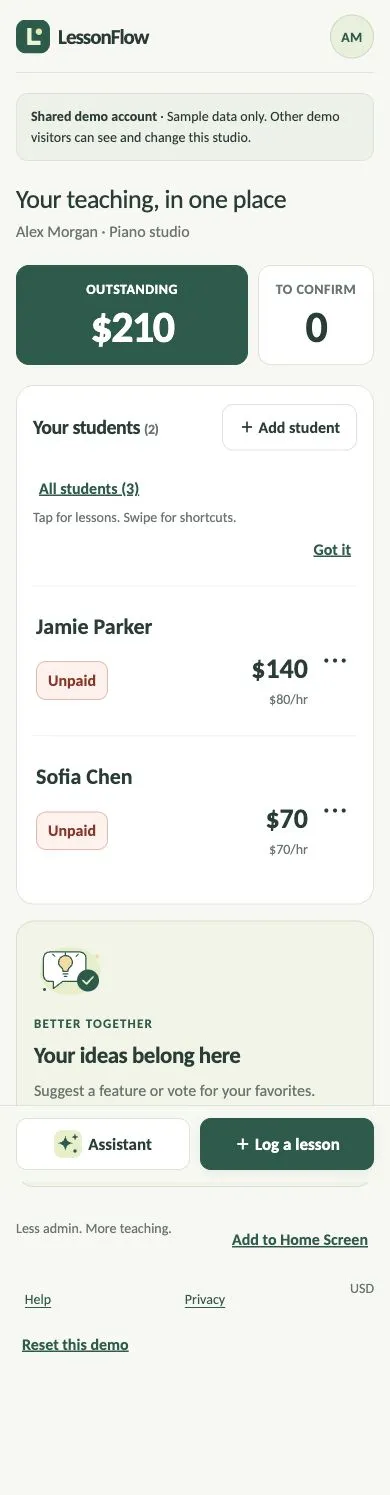
Choose a student, date and duration. Their rate determines the amount due.
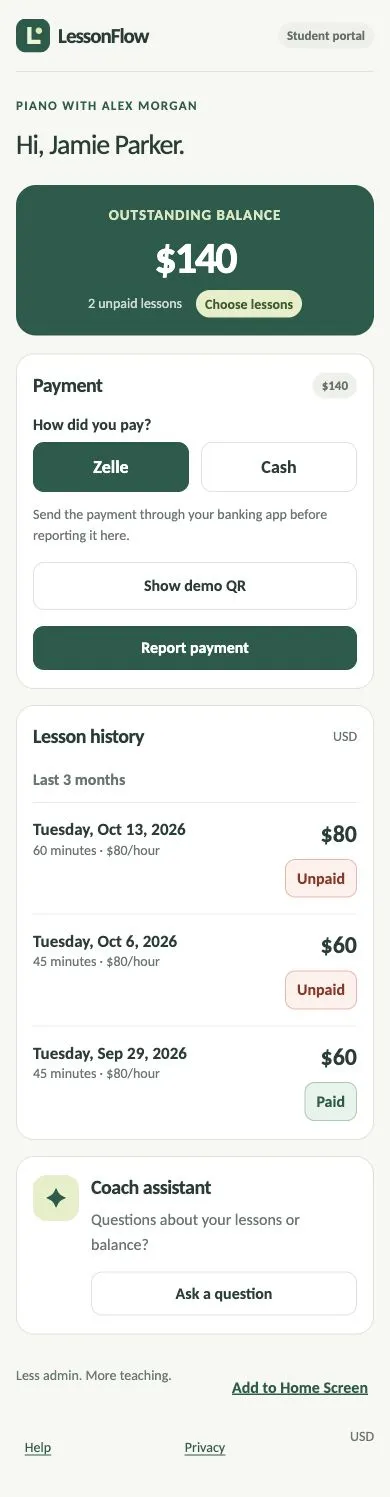
Students and parents see their own lessons and balance through a personal link, without creating an account.
After paying by Zelle or cash outside LessonFlow, students select the lessons they paid for and report the payment.
The instructor checks the money arrived and confirms. Both sides can see the updated payment status.
LessonFlow records payments; money moves outside the app. A reported payment stays awaiting confirmation until the instructor verifies receipt.
Students and parents can check lesson history, see what remains unpaid and report the lessons they have paid for. Their personal link stays current as the instructor updates the record.
Each link opens one student’s page. No student account is needed.
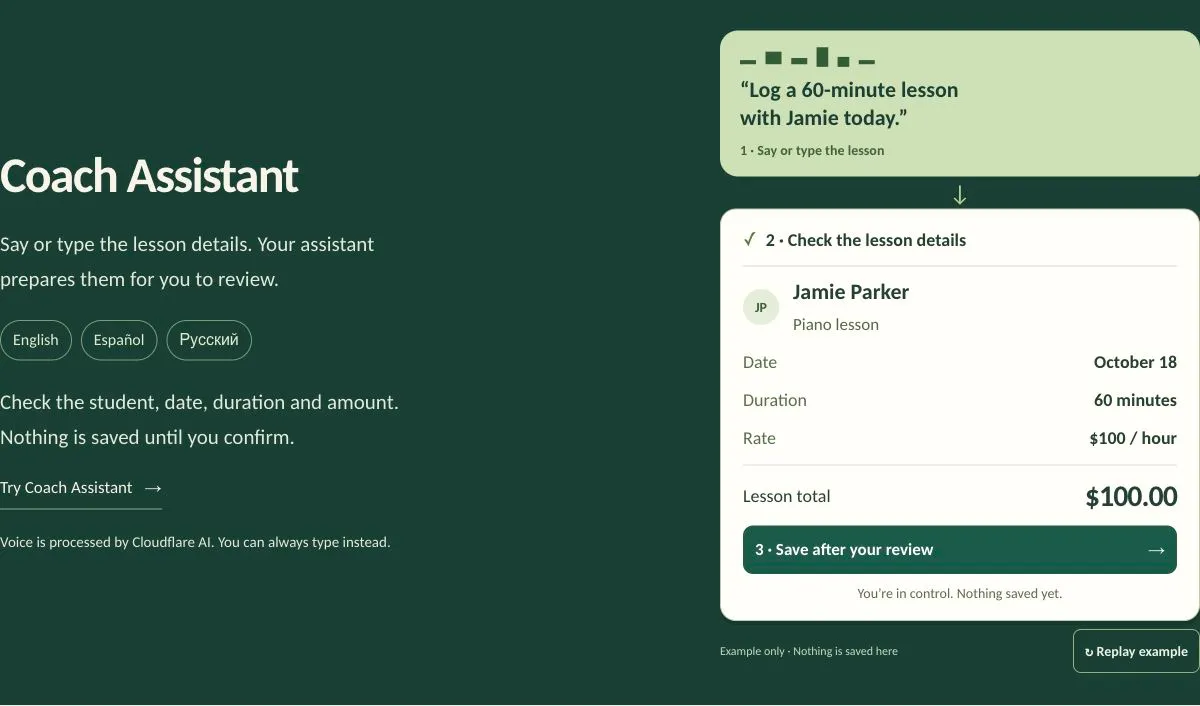
Instructors can speak or type a lesson request in English, Spanish or Russian. The assistant prepares the details for review; the instructor checks them and explicitly saves.
Students and parents get a simpler experience: their own lesson history, current balance and a way to report payment, without access to the instructor’s studio.
LessonFlow brings product definition, interface design, instructor accounts, student access, lesson records, payment confirmation and an AI assistant into one working application. Its public website explains the experience before the first sign-in.
The web beta is available now. Native mobile apps and an optional monthly Pro subscription are planned; they are not part of the current release.
Explore LessonFlow ↗We help turn a familiar problem into a focused product, from the first workflow to the public launch.
Discuss your product ↗